Connect to ChatGPT
Connect your Vomyra MCP server to ChatGPT to manage your assistants through natural language.
Connect to ChatGPT
Follow these steps to connect Vomyra to ChatGPT as an app.
- 1
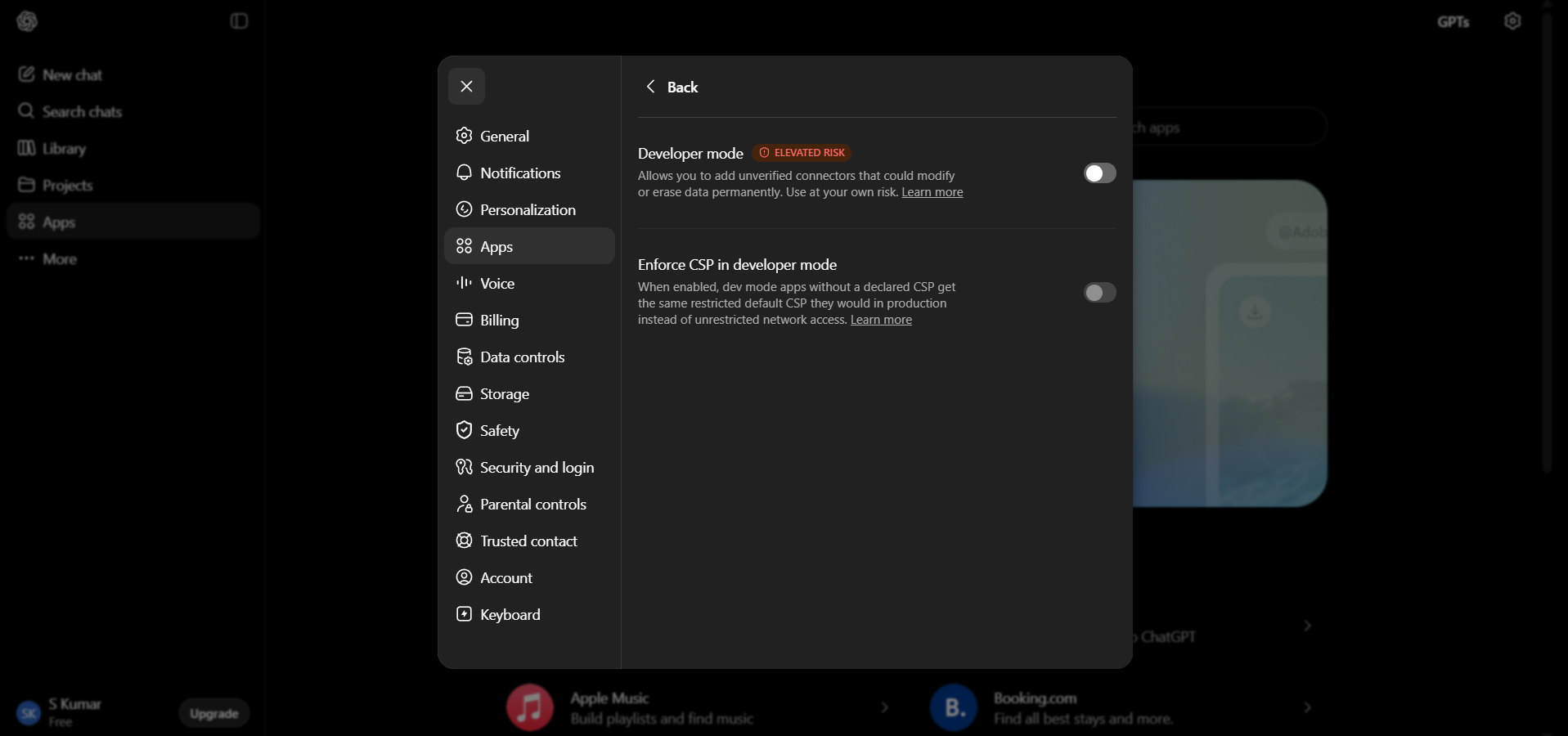
Open advanced settings
Open ChatGPT, click on Settings → Apps → Advanced Settings.
- 2
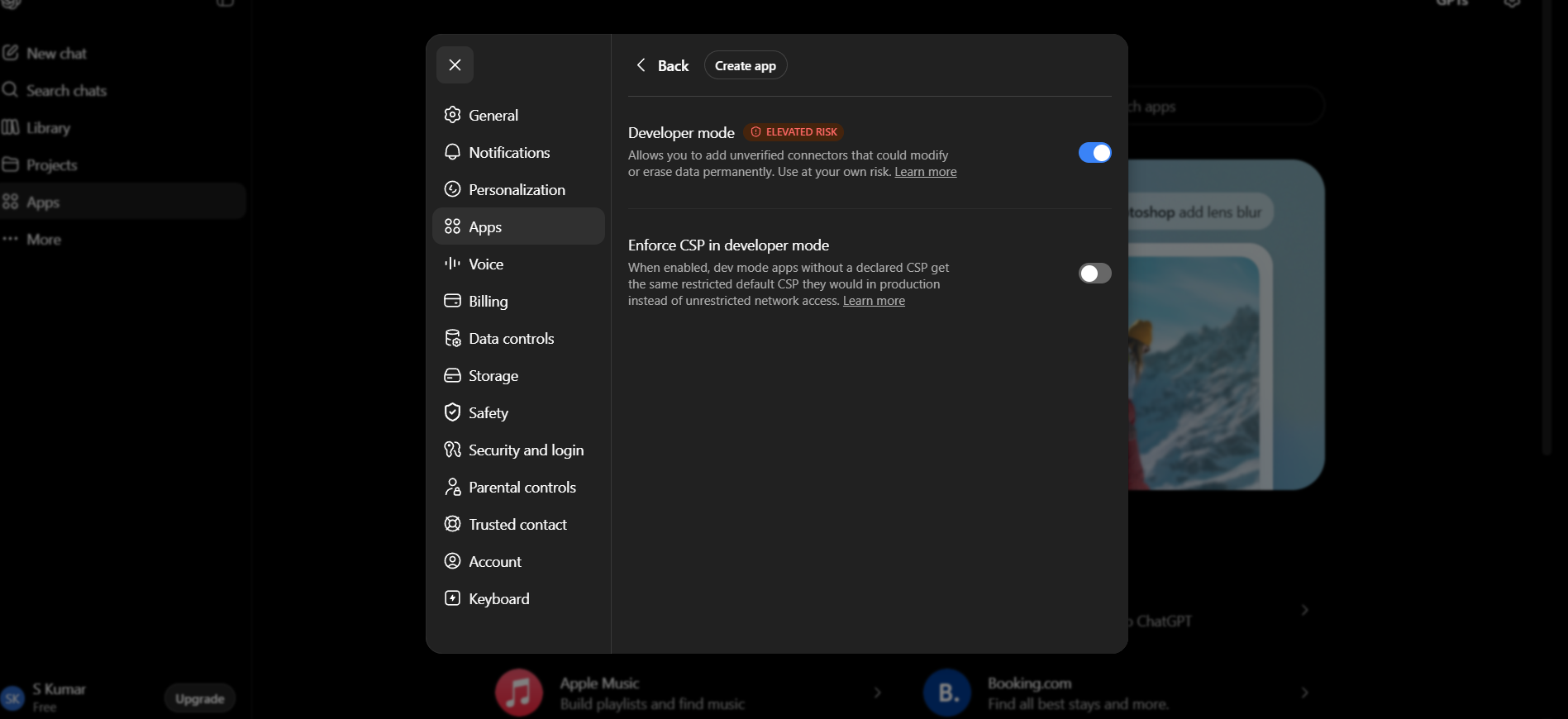
Turn on developer mode
Turn on Developer mode in the settings panel.
- 3
Create app and fill in details
Click on the Create App option and fill in the details with the Vomyra MCP settings.

- 4
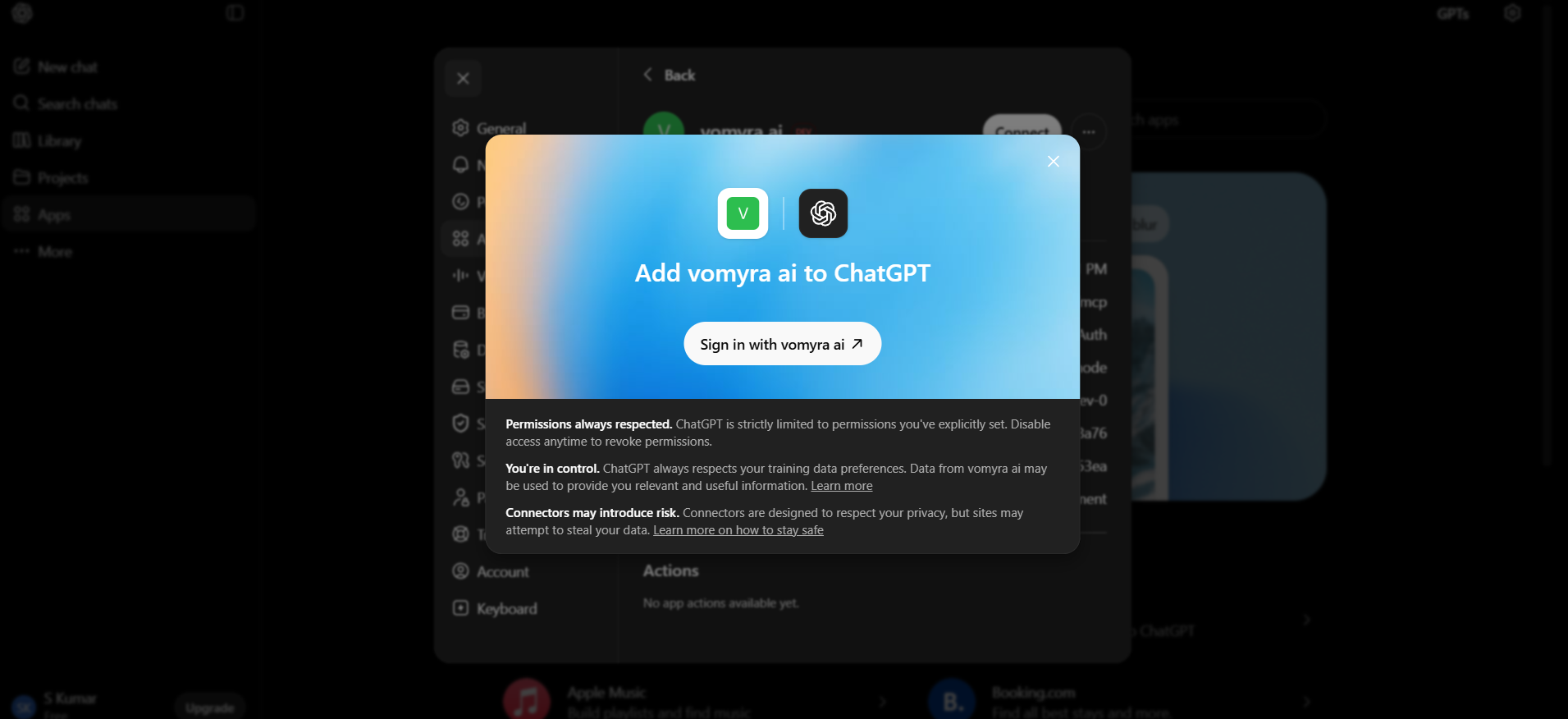
Sign in to your Vomyra account
Authenticate your connection by signing into your Vomyra account.
- 5
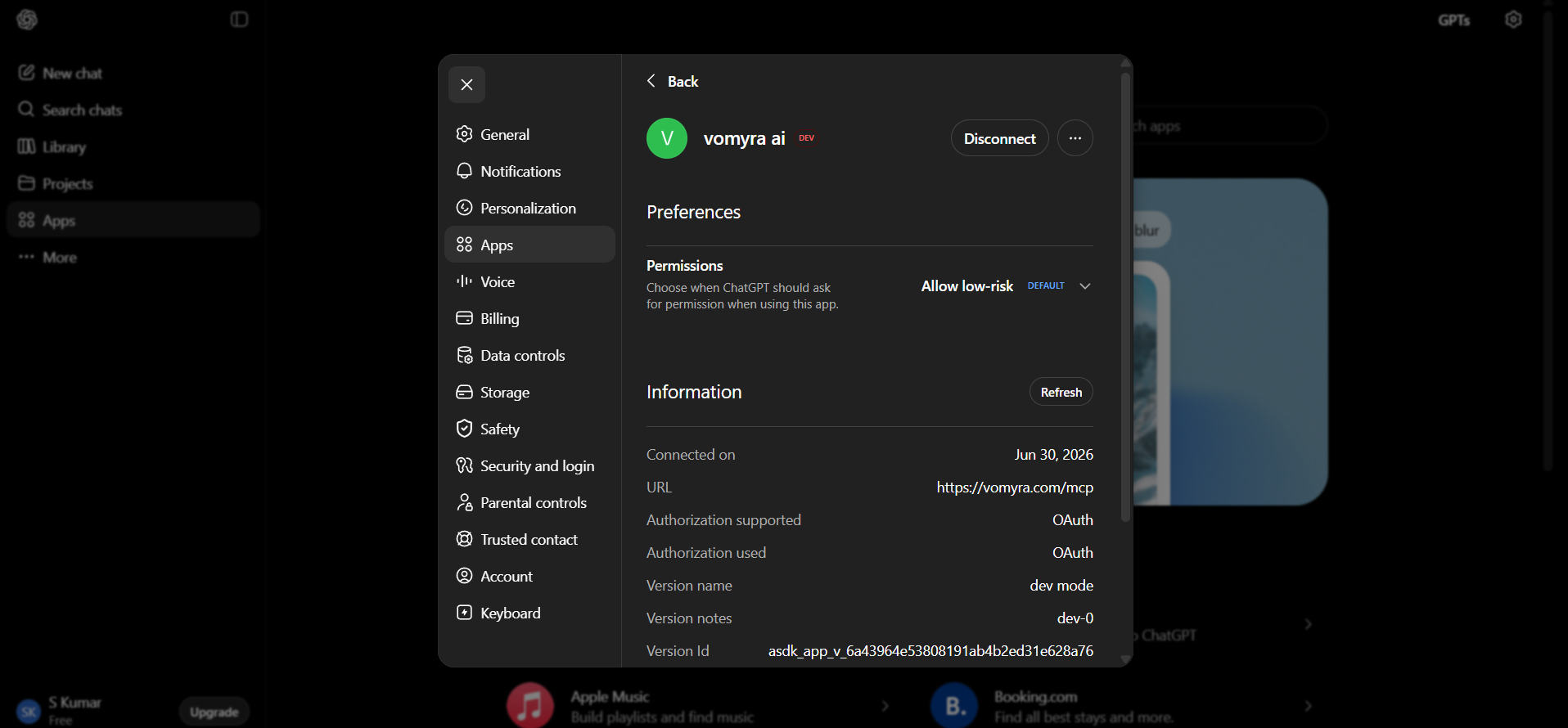
App created successfully
The app is now created and connected to your account.
- 6
Start using Vomyra tools
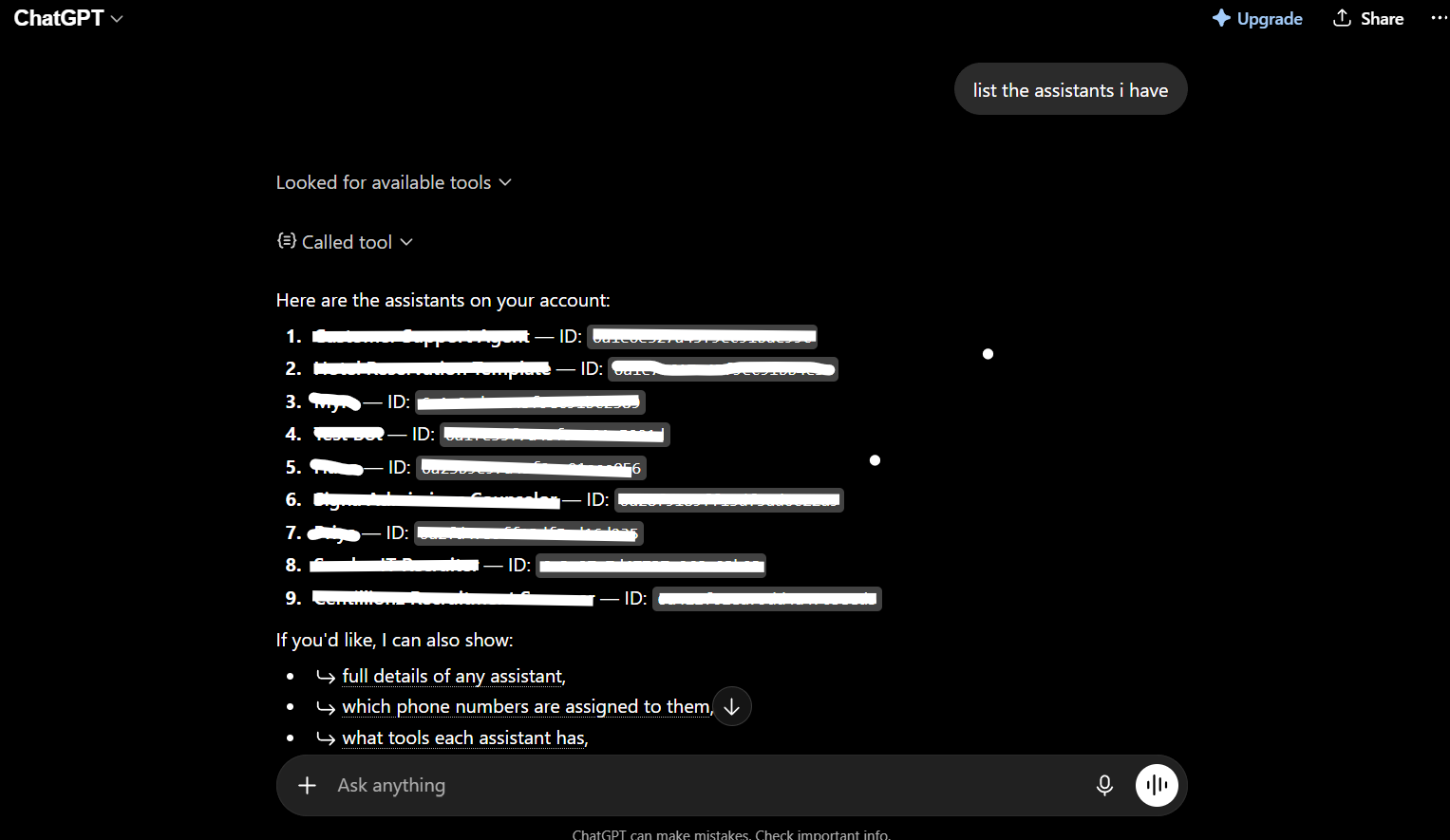
The app becomes active in your conversations. Verify with: "List my Vomyra assistants."